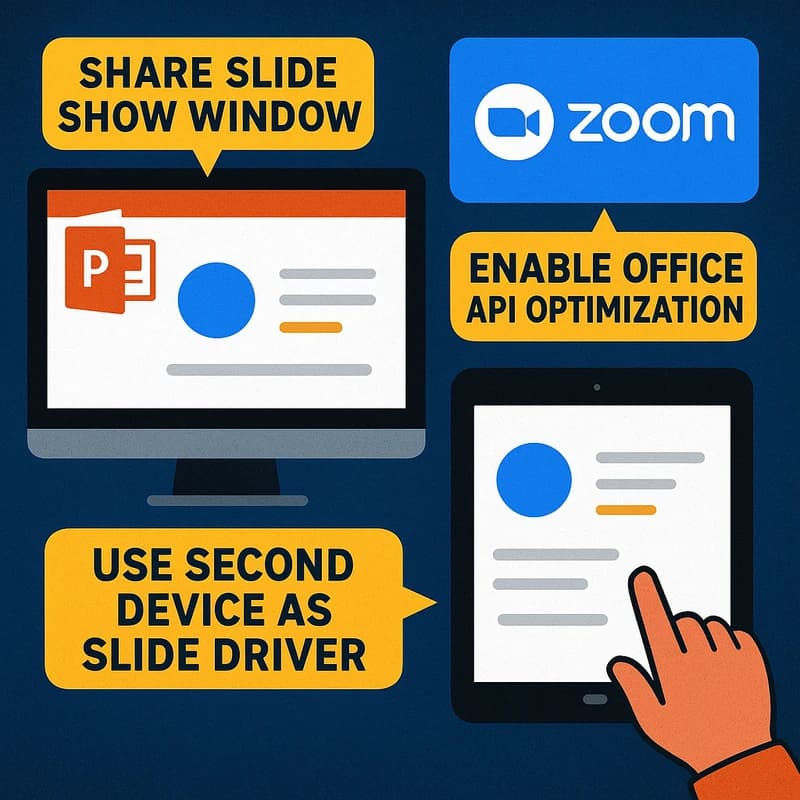
Zoom slide control PowerPoint: Safer co-presentation tips
Zoom slide control PowerPoint is the safer path for co-presenting. Share only the Slide Show window, enable Office API optimization, and keep notes private
12 min read
Expert insights and guides on public speaking, personal development, and goal setting
Zoom slide control PowerPoint is the safer path for co-presenting. Share only the Slide Show window, enable Office API optimization, and keep notes private

Zoom slide control PowerPoint lets a co-host move slides safely. Master Presenter View with dual monitors and a tight 5-minute rehearsal for crisp timing.

Zoom screen share demo tips to boost clarity and retention with OS zoom, cursor spotlight, and legible live annotation plus smart share settings.
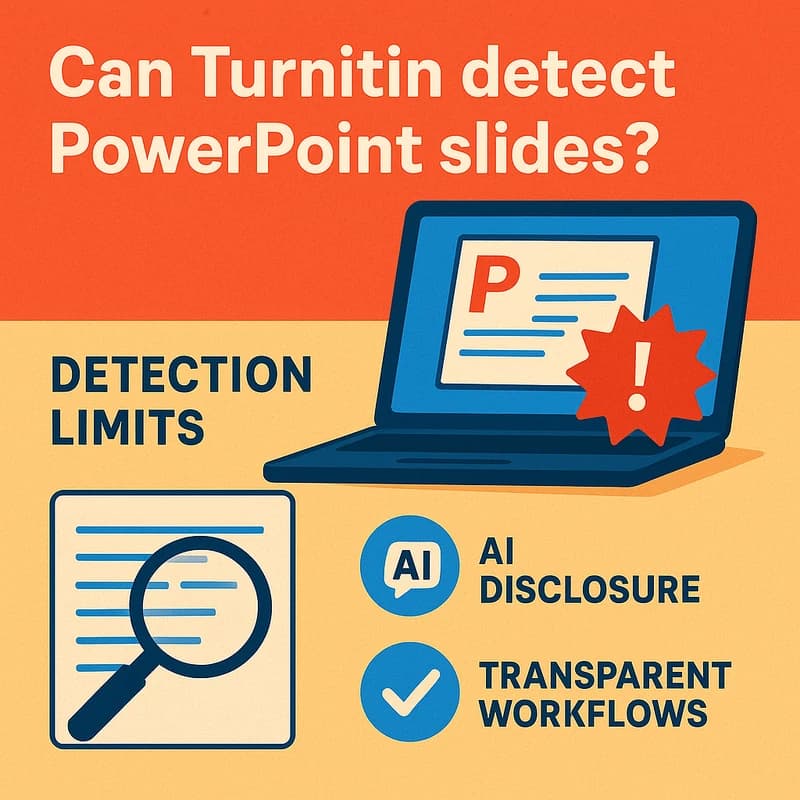
Can Turnitin detect PowerPoint slides? Discover how text checks apply, when AI disclosure is needed, and how transparent processes protect integrity.
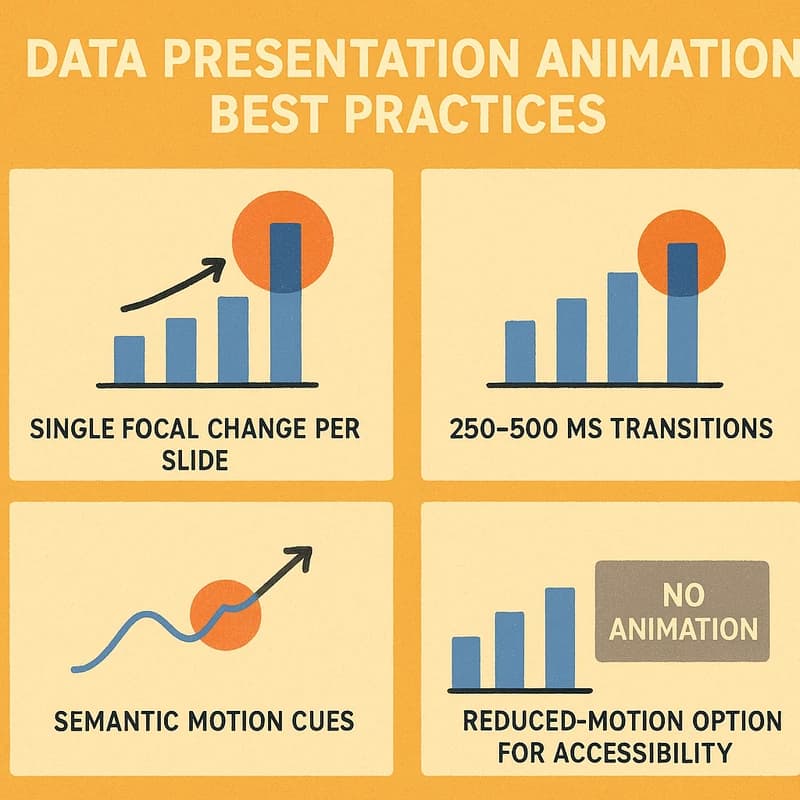
Data presentation animation best practices for clarity: reveal one focal change per slide, 250–500 ms transitions, with a reduced-motion option now.

Struggling with Zoom presenter mode not showing self? This guide shows quick steps to verify audience view, enable Overlay, and adjust share settings.
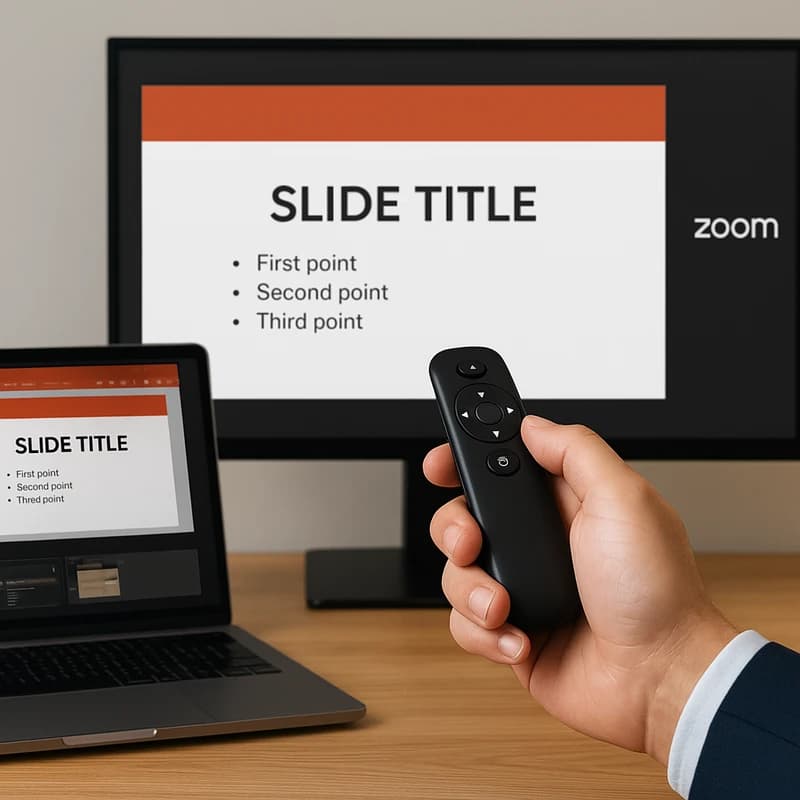
Master Zoom co-presenter slide control with a hardware clicker, private Presenter View, and window sharing to prevent slide jumps in meetings.
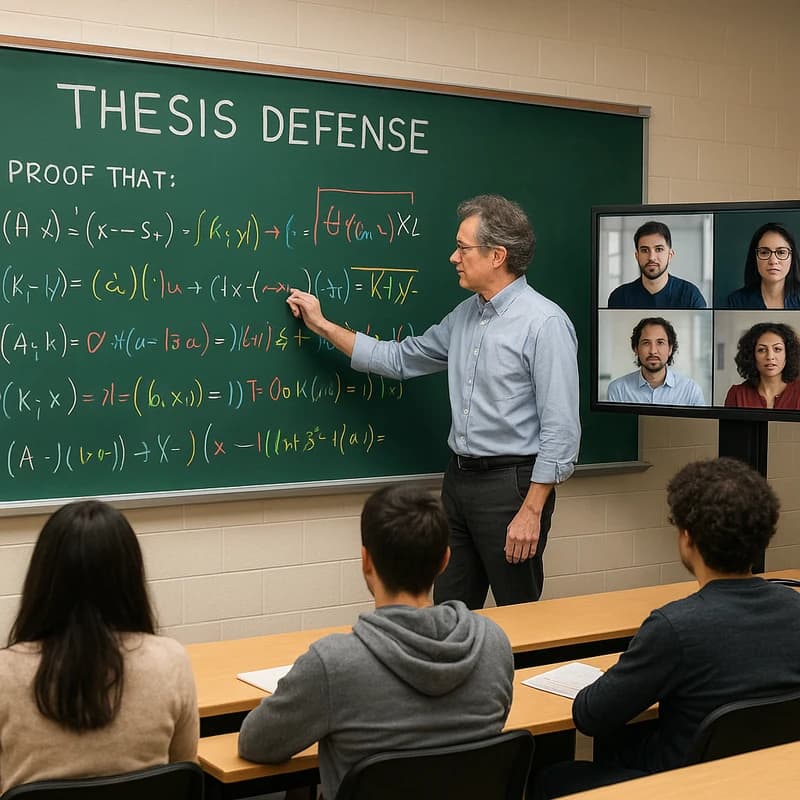
Discover how a chalk talk thesis defense replaces slides with board-led sequencing, color coding, and a parking-lot plan to win committees—master rhythm.

AI for sales deck creation trims deck time by up to 60% with a single-source-of-truth doc, tokenized personalization, and a locked brand library. Learn how.