Discover how to use using AI in presentations to streamline outlines, enhance visuals, and rehearse confidently, while preserving your voice and disclosure.
Quick Answer
Using AI in presentations can streamline your outline, design clear slide structures, and generate helpful visuals. Do not paste AI-generated text into submitted materials or the dissertation itself. Transparently disclose AI assistance on slides or handouts, and keep substantive analysis, interpretation, and citations human-authored. Treat AI as a collaborative tool, not a shortcut, to maintain integrity and clarity.
Key Takeaway: Safe AI use in presentations focuses on planning, visuals, and rehearsal—while keeping your original analysis and proper disclosure front and center.
Complete Guide to using AI in presentations
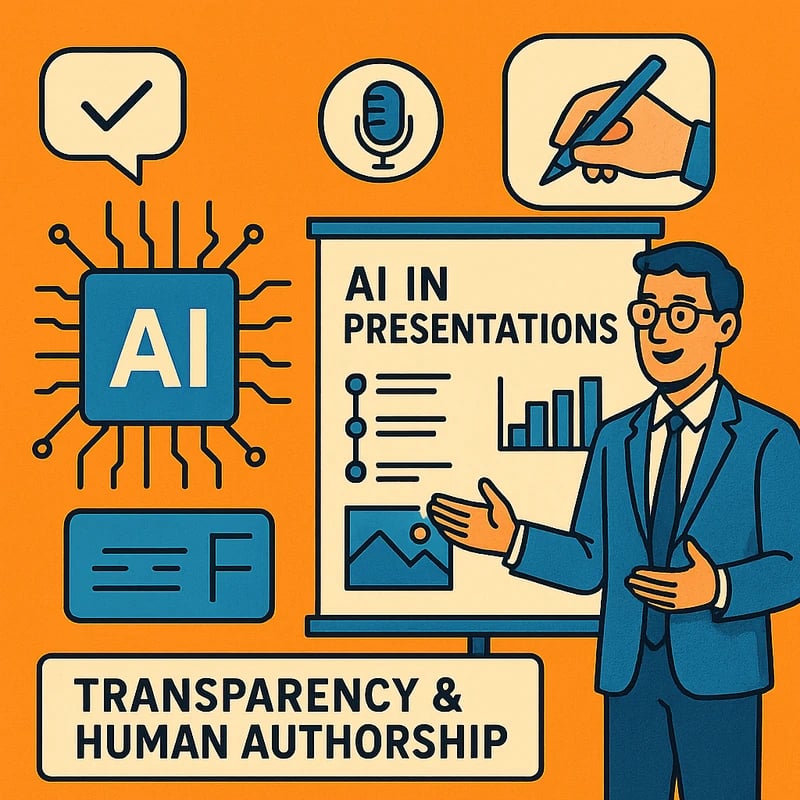
Using AI in presentations is about a compliant, human-centered workflow that leverages AI for efficiency and clarity without compromising integrity. The discipline of scholarship rewards transparency, originality, and thoughtful interpretation. AI can help you outline, design, and rehearse, but your own voice, analysis, and citations remain the foundation.
- Begin with a clear goal: you want to communicate your thesis clearly, not to replace your thinking with a machine.
- Separate tasks: AI can help with structure, visuals, and rehearsal prompts; ensure all substantive content is your own work.
- Always disclose: add an AI assistance slide or footnote that explains how AI contributed to your slides and what you did to validate and interpret the results.
A practical workflow
- Outline and structure
- Use AI to brainstorm section order, section headings, and a logical flow that mirrors your defense narrative.
- Rework AI-generated outlines into your own words and ensure each slide aligns with your committee’s expectations.
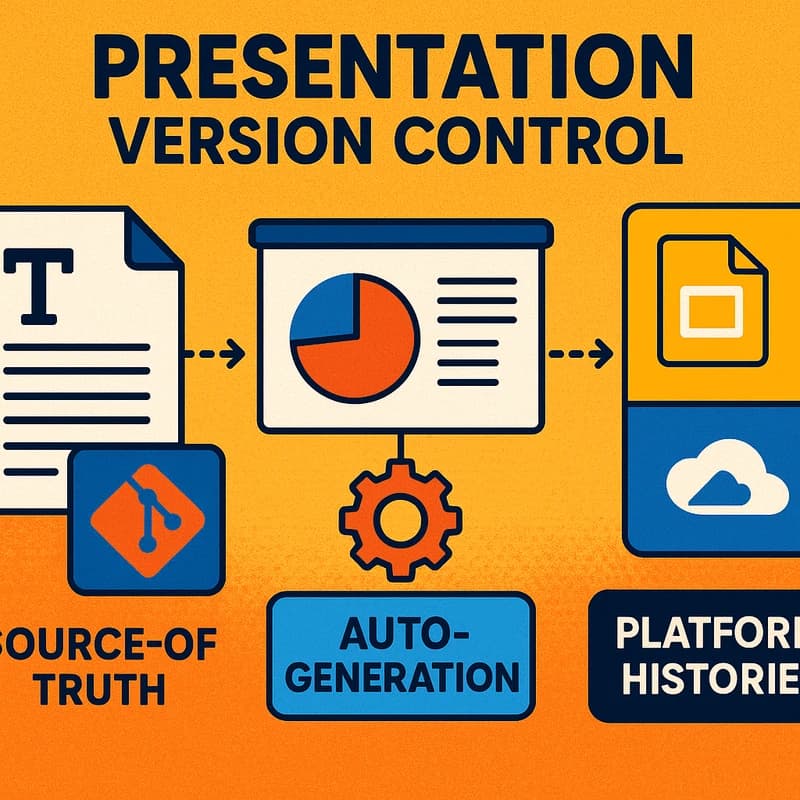
- Keep a single source of truth for results, methods, and interpretations that you authored.
- Slide structure and narration
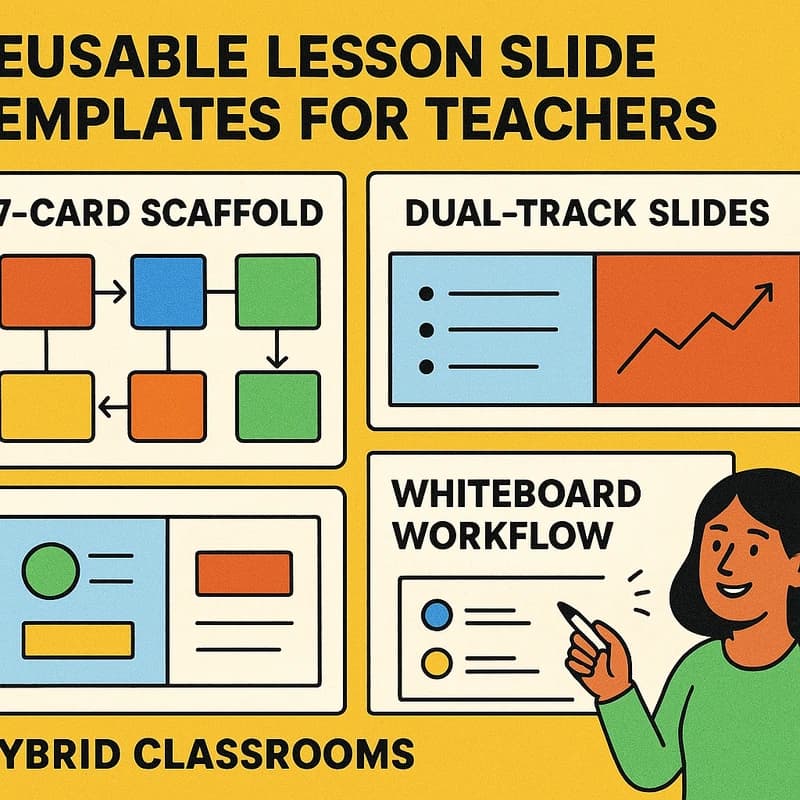
- Build slides from a consistent template: title, objective, methods, results, interpretation, implications, and questions.
- Use AI to propose slide sequence and storyline arcs, then replace AI-proposed language with your own voice.
- Include a concise, speaker-led narrative for each slide; let bullets cue your speaking points rather than replace them.
- Graphics prompts and visuals
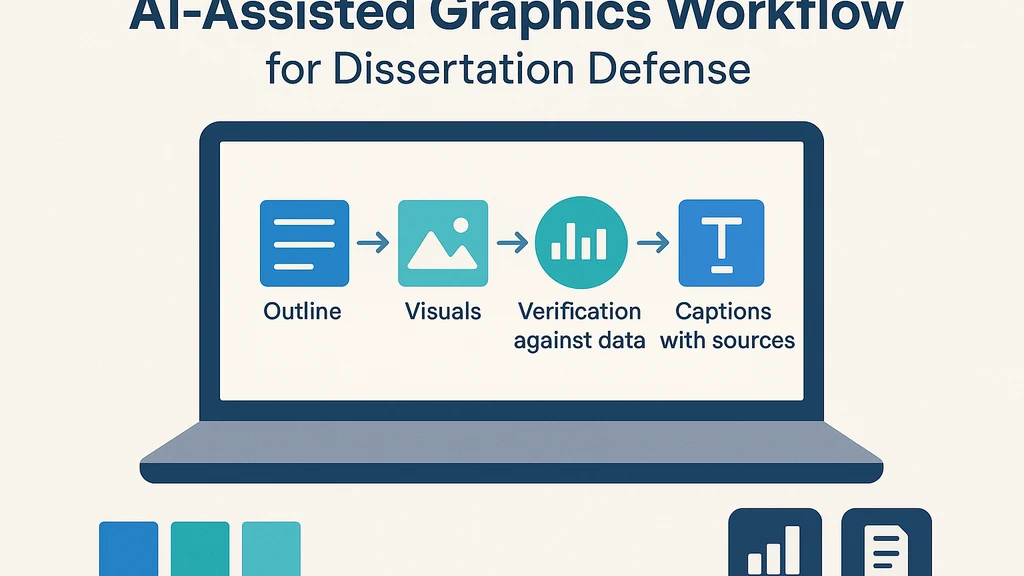
- Generate diagrams, charts, and figures via AI prompts, but verify accuracy against your data. Always label visuals with sources and dates.
- Use visuals to illuminate ideas, not to overwhelm with novelty. Favor clarity, accessibility, and legibility.
- Consider licensing and rights for AI-generated imagery; avoid images that require risky attributions.
- Text generation and paraphrasing
- Let AI assist with paraphrasing or summarizing your own findings, not pasting large blocks of AI text into slides.
- Edit for precision, fidelity to your data, and your personal voice. AI should amplify your message, not replace it.
- Rehearsal and Q&A
- Use AI to generate potential questions; then practice aloud with peers or advisors.
- Prepare evidence-backed responses to questions about methods, limitations, and interpretations.
- Use AI to identify gaps in your argument or data but fill those gaps yourself with careful analysis.
- Disclosure and transparency
- Include a dedicated AI assistance disclosure slide and optional handout outlining how AI was used.
- Provide a short, clear statement in your defenses: what AI contributed (structure, visuals, prompts) and what you (the author) contributed (data analysis, interpretation, conclusions).
- Risks and safeguards
- Do not rely on AI for critical interpretation or novel claims; your judgment must validate all conclusions.
- Watch for AI hallmarks like plausible-sounding but unsupported claims. Always check with your data and citations.
- Maintain a masters-level standard for accuracy, ethical use, and integrity.
- Citations and sources
- Cite primary sources and data, but note any AI-assisted drafting steps in a methods or disclosure slide.
- For visuals that are generated or adapted via AI, provide captions that explain the source of the data and the method used to create the visualization.
- If you used AI to format or reorganize citations, you still retain responsibility for their accuracy.
What to avoid
- Copy-pasting AI-generated text into final slides or handouts as-is.
- Trying to dodge detection by concealment; the aim is transparency, not evasion.
- Relying solely on AI for interpretation or unique insights.
Key Takeaway: A disciplined AI workflow uses AI to support structure and visuals while preserving your analysis, voice, and credits. Clear disclosure is central to integrity.
Related topics for internal linking: academic integrity best practices, data visualization standards, slide design principles, citation management, AI prompts for education, ethics in AI-assisted scholarship.
What is the safest AI workflow for dissertation defenses?
Use AI to brainstorm structure and generate visuals, then rewrite all substantive content in your own voice. Verify figures against original data and cite sources manually. Ensure the slide deck aligns with your advisor’s expectations and your department’s policies.
Key Takeaway: Safest AI workflow centers on structure, visuals, and rehearsal—powered by your own analysis and transparent disclosure.
How can I use AI to generate slide structure without copying text?
Ask AI for a skeleton outline, section order, and slide titles. Then replace all AI-generated wording with your own sentences. Use AI prompts to suggest slide layout options, not full paragraphs of content.
Key Takeaway: AI prompts for structure are safe; AI-generated wording for content should be rewritten by you.
How should I incorporate AI prompts for graphics?
Use AI prompts to outline diagram types, color palettes, and labeling conventions. Validate each graphic with your data and add captions that explain data sources and methods.
Key Takeaway: Graphics prompts support clarity and consistency, but verification and sourcing keep visuals trustworthy.
How do I disclose AI assistance on slides?
Include a slide titled AI Assistance or a brief disclosure line such as: “AI-assisted design for slide structure and visuals; substantive analysis by the author.” You can also add a methods appendix itemizing AI tools used.
Key Takeaway: A concise disclosure slide signals your commitment to transparency without over-emphasizing AI.
What should be on an AI assistance disclosure slide?
- Tools used (e.g., AI for outline or visuals)
- Aspects AI contributed (structure, graphic prompts, layout)
- Your role in interpretation, data analysis, and writing
- A statement of commitment to accuracy and originality
Key Takeaway: A focused disclosure slide clarifies collaboration with AI and your intellectual contributions.
How do I cite AI assistance in slides?
Cite AI only where it affects content sources or data processing. If AI helped reorganize content, note it in the disclosure. For visuals derived or generated via AI, describe data sources and creation method in captions.
Key Takeaway: Reserve citations for sources that informed your analysis; disclose AI influence where relevant.
What is the best AI workflow for dissertation defenses?
Plan, structure, and visualize with AI; write and interpret with your own hands; disclose AI use clearly; rehearse with AI-generated questions; iterate based on feedback. Maintain a clear boundary between machine assistance and human insight.
Key Takeaway: The best AI workflow balances efficiency with integrity and accountability.
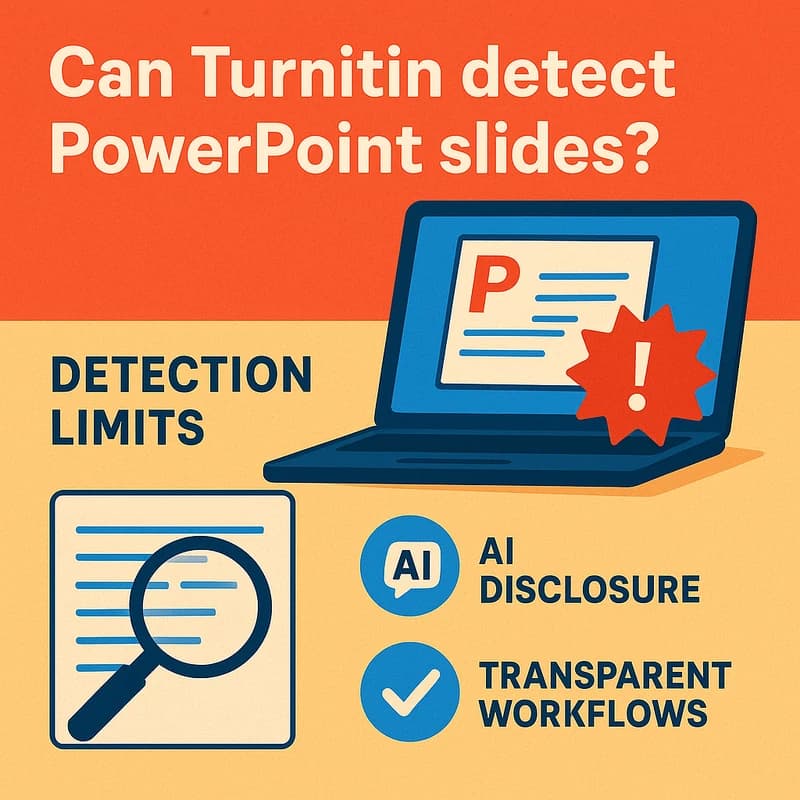
Does Turnitin detect AI-generated content in slides?
Turnitin and other detectors focus on text similarity and patterns; detection in presentations depends on whether AI-generated text is exported to a submit-ready document. Short slides and figure captions are less likely to trigger, while longer textual content increases detectability risk.
Key Takeaway: Detection is imperfect and context-dependent; transparency remains the safer path.
How should I handle citations from AI prompts?
If AI was used to identify sources or summarize findings, verify and cite those sources directly. Do not treat AI prompts as primary sources. Keep your bibliography accurate and aligned with your department’s citation style.
Key Takeaway: Treat AI prompts as a tool for discovery, not as a substitute for sourcing.
What about licensing and image rights for AI-generated graphics?
Check the licensing terms of the AI tool and the sources used to train the model. Prefer visuals with clear licensing terms suitable for academic use, and provide captions with licensing notes where applicable.
Key Takeaway: Visuals must be licensed appropriately; transparency about image origins matters.
How does AI fit with academic integrity policies?
Many universities now require disclosure of AI assistance and emphasize human authorship for core arguments. Align your use with your program’s guidelines, seek advisor approval, and document AI use in the defense materials.
Key Takeaway: Align AI use with institutional policies to protect your defense’s integrity.
Can AI help with rehearsal without risking content leakage?
Yes—use AI-generated questions to rehearse, but never rely on AI to craft the actual defense argument. Practice with trusted peers to ensure you can articulate and defend every claim in your own words.
Key Takeaway: Rehearsal AI aids preparedness, not accuracy replacement.
How do I balance AI use across slides and speech?
Distribute AI assistance to structural elements and visuals, while maintaining your spoken narrative as the primary conduit for interpretation, nuance, and personal insight.
Key Takeaway: Balanced use preserves your voice while leveraging AI for clarity.
What should I include in an AI guidance section for committee review?
Provide a concise description of how AI was used, what parts were generated, what was validated, and how you ensured accuracy. Include a brief justification for using AI in your process.
Key Takeaway: A transparent AI guidance section helps committees assess ethics and rigor.
How can I ensure accessibility when using AI in slides?
Use accessible color contrasts, legible fonts, and alt text for visuals. Verify that charts and diagrams convey meaning even when read by screen readers.
Key Takeaway: Accessibility ensures your message is clear to all committee members.
What are common pitfalls to avoid with AI in presentations?
Avoid over-reliance on AI, misrepresenting data, and opaque prompts. Do not copy-paste AI text into final slides, and always validate visuals and claims with your own analysis.
Key Takeaway: Mindful use prevents missteps and protects integrity.
What is a practical template for an AI assistance disclosure slide?
- Title: AI Assistance in Slide Design
- Content: AI-assisted outline and visuals were generated to support presentation structure and clarity; substantive analysis and conclusions were authored by the researcher. All data and interpretations have been verified independently.
Key Takeaway: A simple, transparent template keeps disclosure clear.
What this section adds: This Q&A set mirrors common searches related to using AI in presentations and provides direct, practical answers aligned with ethical guidelines. The questions are structured to resemble a People Also Ask block, so readers can quickly navigate to the concerns most relevant to their defense.
Why This Matters The last three months have seen a surge in university policies and guidance about AI in academic work, including defenses. Institutions increasingly encourage transparent disclosure, emphasize the importance of human authorship for interpretation, and provide examples of how to integrate AI as a productivity aid rather than a substitutes for scholarship. A few notable trends and data points:
- Policy shift toward explicit AI disclosures in defense materials: Many programs now require a brief AI-use statement on slides or in appendices, signaling a move toward standardized transparency.
- AI-assisted design is common, but substance remains human: Surveys of graduate programs indicate that while tools for outlining, visualization, and rehearsal are widely used, committee members expect the core narrative and interpretation to be student-authored.
- Turnitin and AI detection: Detection tools focus on textual content; short slide content and captions carry a lower detection footprint, but longer body text in handouts and manuscripts remains more detectable. Institutions emphasize disclosure over evasion, aligning with broader integrity initiatives.
Expert voices emphasize that the most resilient defense strategy is to weave AI into the process openly and responsibly, ensuring your unique scholarly contribution remains front and center. This approach not only aligns with policy shifts but also communicates competence, transparency, and ethical practice to your committee.
Key Takeaway: The current climate favors transparent AI use as part of a structured, student-authored defense—your disclosure and your demonstrated understanding are the keys to credibility.
People Also Ask
- Can Turnitin detect AI in presentations?
- How should I disclose AI use in academic presentations?
- Is it ethical to use AI for thesis defense slides?
- What should be on an AI assistance disclosure slide?
- How do I cite AI assistance in slides?
- What is the best AI workflow for dissertation defenses?
- Does Turnitin detect AI-generated content in slides?
- How should I handle citations from AI prompts?
- What about licensing and image rights for AI-generated graphics?
- How do I balance AI use with academic integrity in defenses?
Next Steps If you’re preparing a dissertation defense, start by mapping your entire presentation to a single, coherent narrative: your research question, methods, results, interpretation, and implications. Draft an AI-assisted outline first, then convert it into your own words. Build visuals with AI prompts, but verify every figure against your data. Draft a concise AI-assistance disclosure slide and practice with peer feedback. Finally, review your program’s policy on AI use before final submission to ensure your approach stays aligned with expectations.
Key Takeaway: A disciplined, transparent workflow—outlining, visuals, rehearsal, and disclosure—creates a defensible, compelling presentation that respects integrity and policy.